The MARC Records Manager is a complimentary web solution providing Delegated Administrators access to the MARC records that match your VitalLaw® subscriptions.
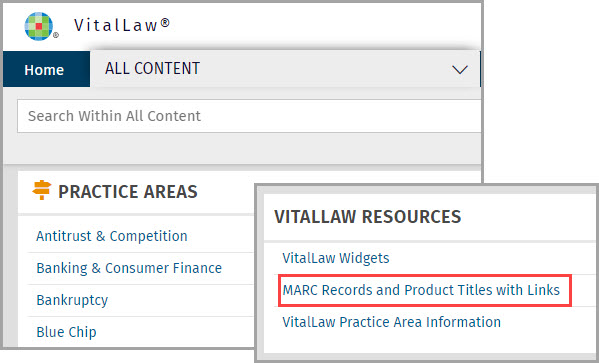
Access MARC Records from the ALL CONTENT dashboard of VitalLaw® under VITALLAW RESOURCES or directly here: https://marc.wolterskluwerlr.com/
The MARC Records Manager opens to a searchable listing of VitalLaw® titles in your subscription.
NOTE: MARC Records does not include archives, Practice Tools, Indexes or Finding Devices.
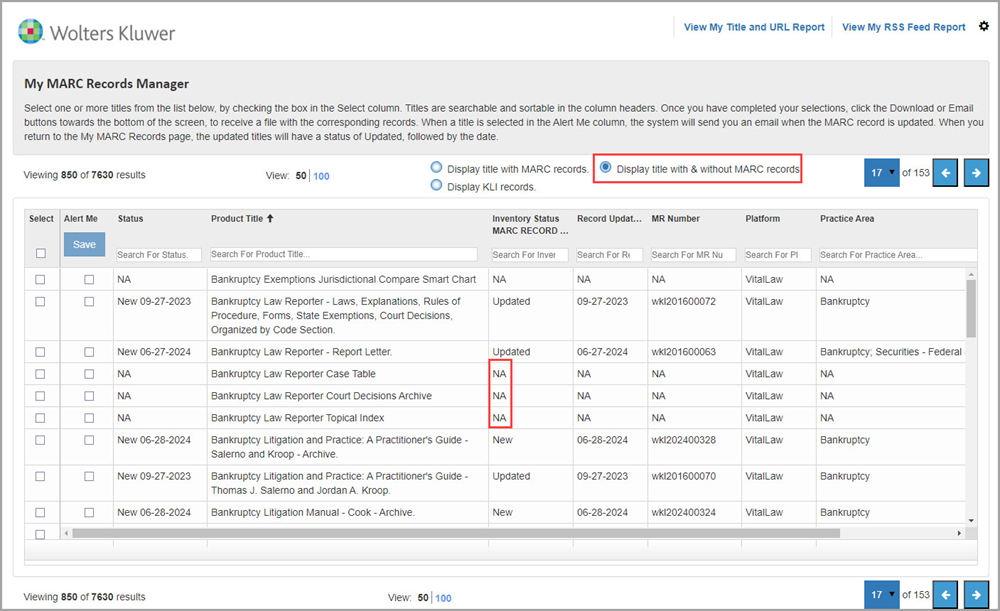
For a list of all titles, select Display title with & without MARC records. You’ll see NA for titles without a record.
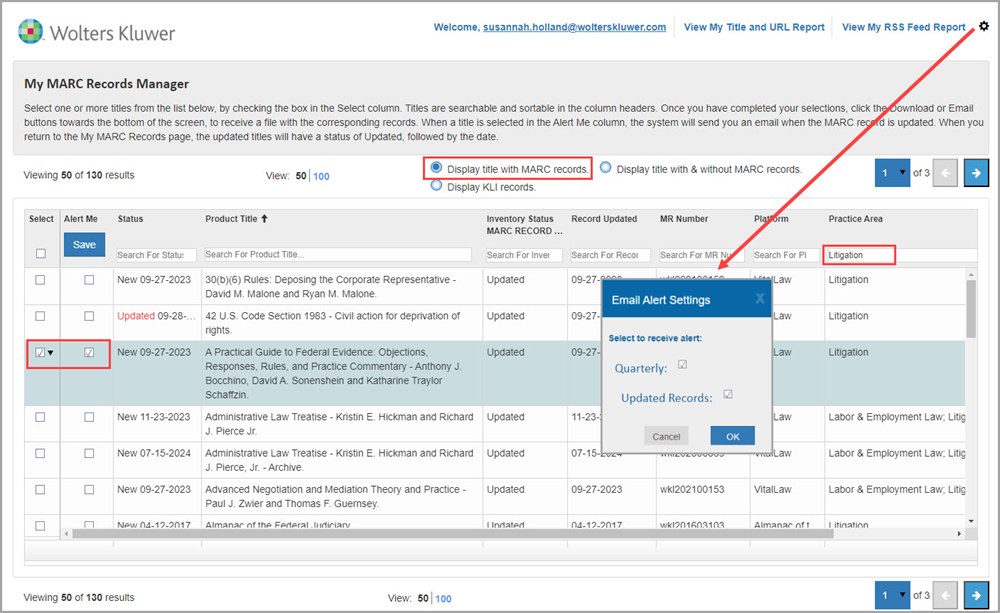
Choose Display title with MARC Records for a list of those titles. Click a column header to change the sorting order. Enter text in the column search field to Search by keyword. Select the title plus the related Alert Me box to receive an email when the record is updated. Specify frequency of emails using the Gear icon. Uncheck boxes to turn OFF email delivery.
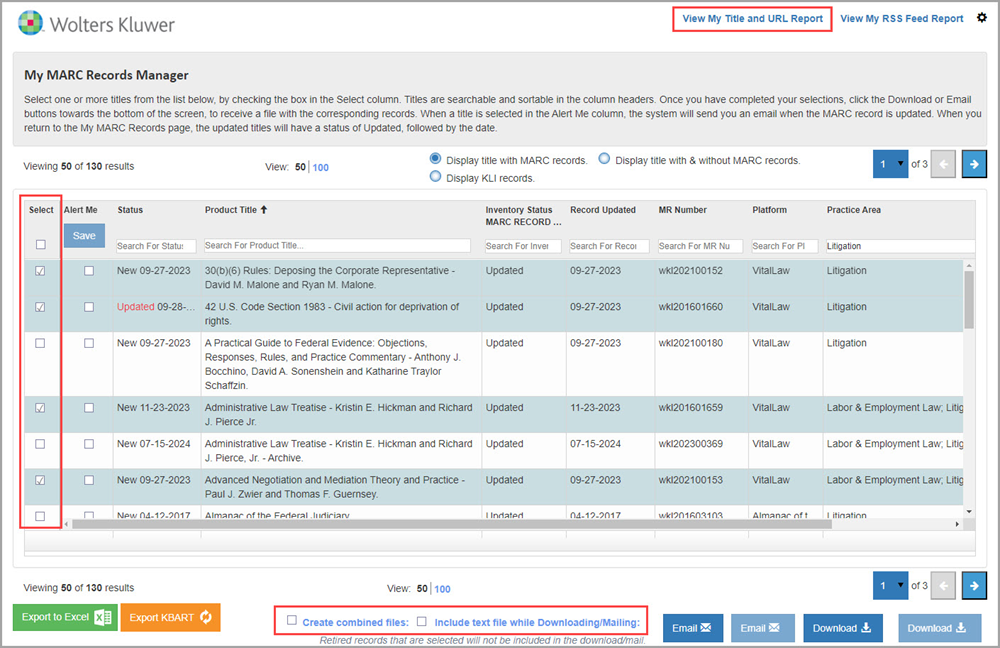
To download or email your records, select specific or all MARC records. By default, each selected title produces a separate record file, however you can also opt to create one combined file.
Including text file while Downloading/Mailing allows you to review and verify MARC content before integrating it into your online catalog.
In addition to downloading, files can be emailed as an attachment to up to three email addresses.
Use View My Title and URL Report for a list of your subscription titles along with their direct URLs.