Working with Tax Citator
With a Tax case, revenue ruling, revenue procedure or other official ruling open, click the Document History icon .
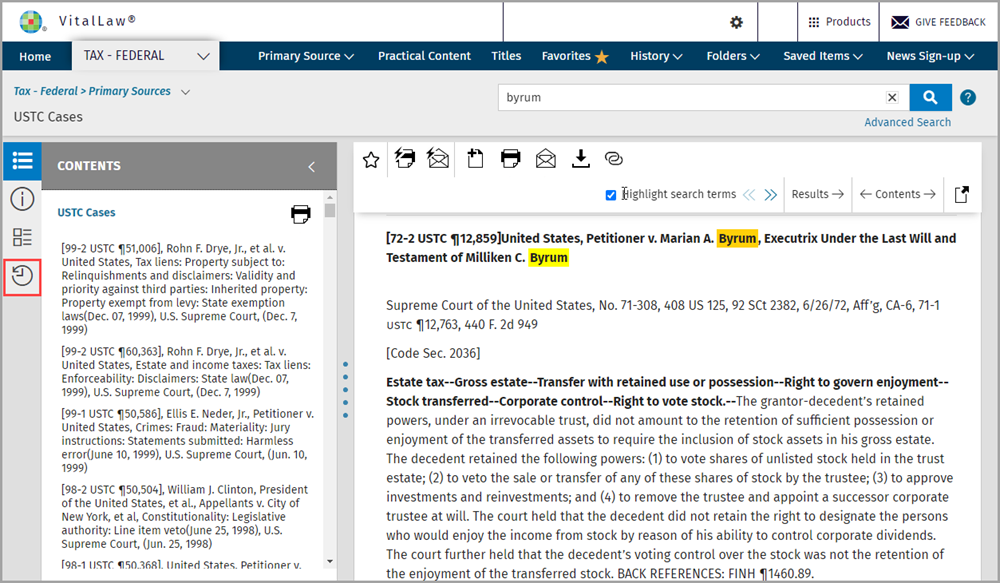
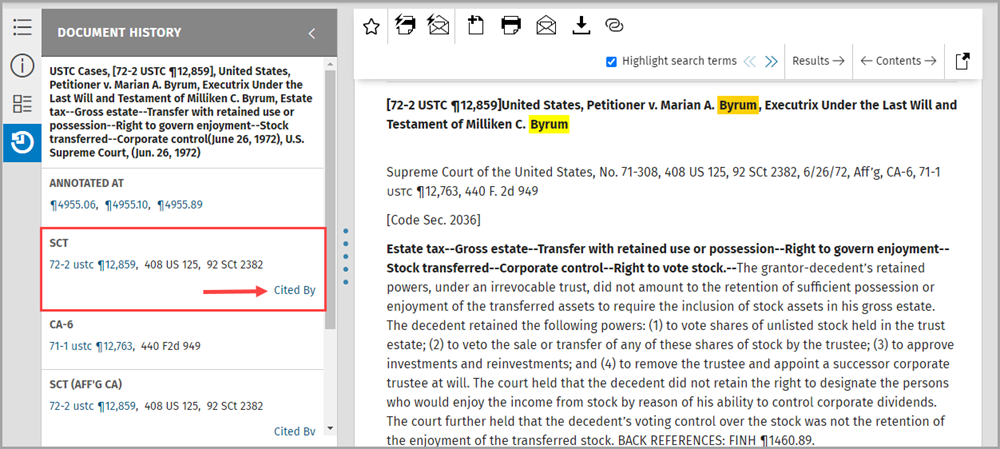
From within the Document History, you can access Editorial Annotations where this document is referenced as well as significant cases/rulings that cite this document.
When viewing a tax document that contains Citator metadata, you will see a Cited By link in the right margin of the Document History panel.
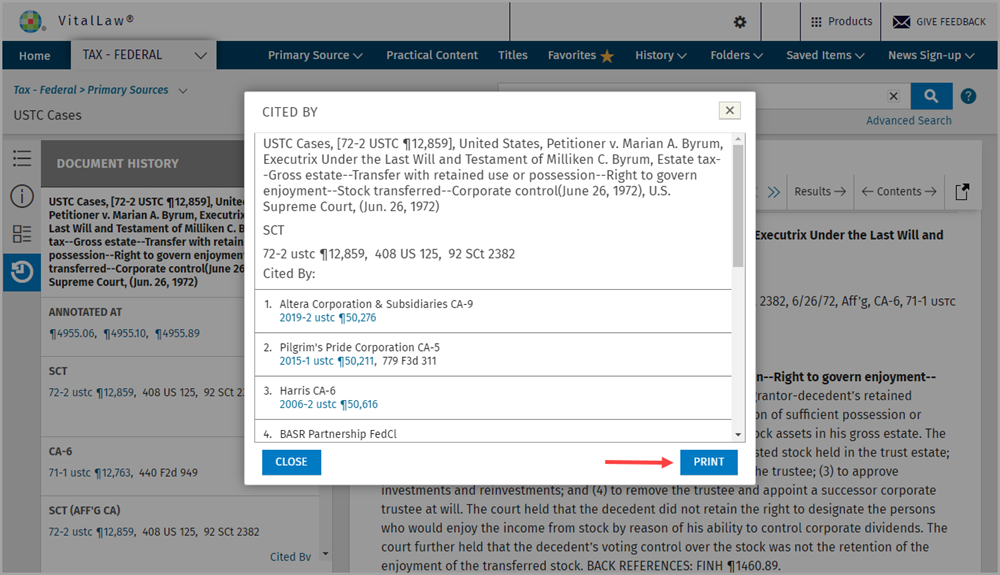
Click Cited By to display a listing of rulings that cite that particular case.
Use the PRINT command at bottom right to print the 'Cited By' listing.