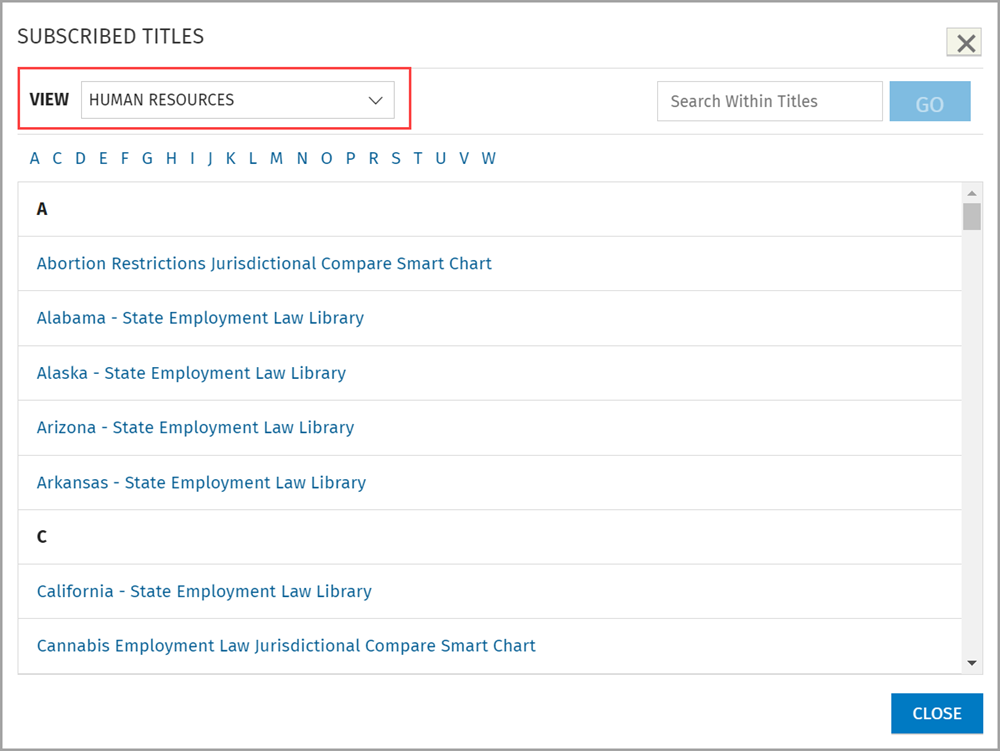
Titles is an alphabetized list of all the titles included in your subscription. If you know the title, author, or topic of the specific publication, Titles gives you a quick and easy way to access it.
To access the Titles feature:
From any location in VitalLaw®, click the Titles button at the top of the page.

To locate a publication:
Click one of the alphabet links (#, A, B, C...) to jump to titles beginning with that letter.
- Or -

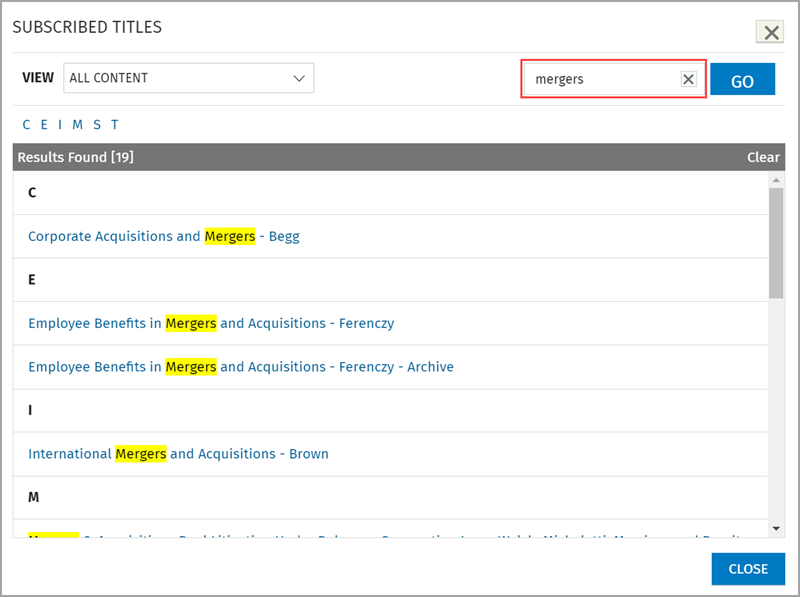
Enter any part of the publication name, author, or topic in the search box and click the GO button to view a list of titles containing the entered search term.
Note: You can also narrow the list of publications by limiting the View to a specific Practice Area.