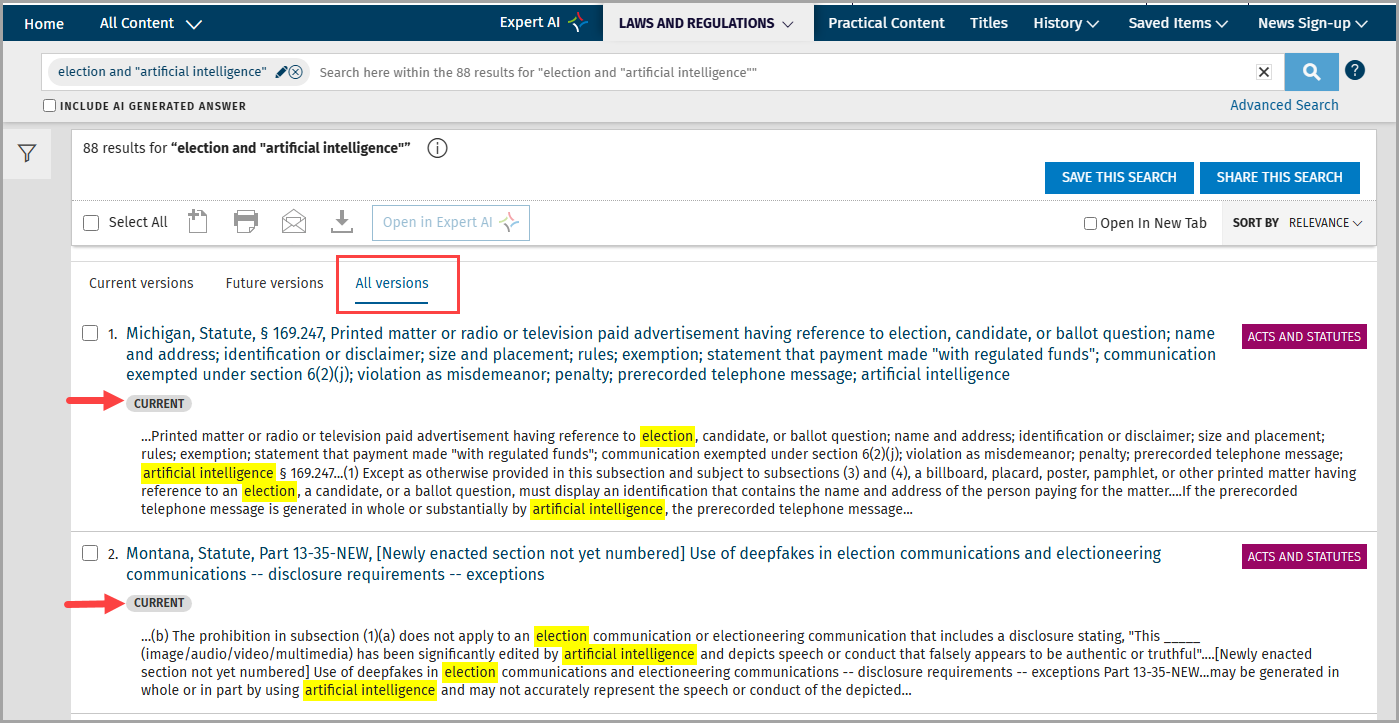
In the VitalLaw Laws & Regulations dashboard, you can see your search results separated into three tabs: Current versions, Future versions, or All versions, allowing you to find the most relevant results for your search.
NOTE: Each tab will appear even if there are no results in that tab. For example, a search result that contains no future effective results will still show the future effective tab.
To use the Versions Tabs in your search results list:
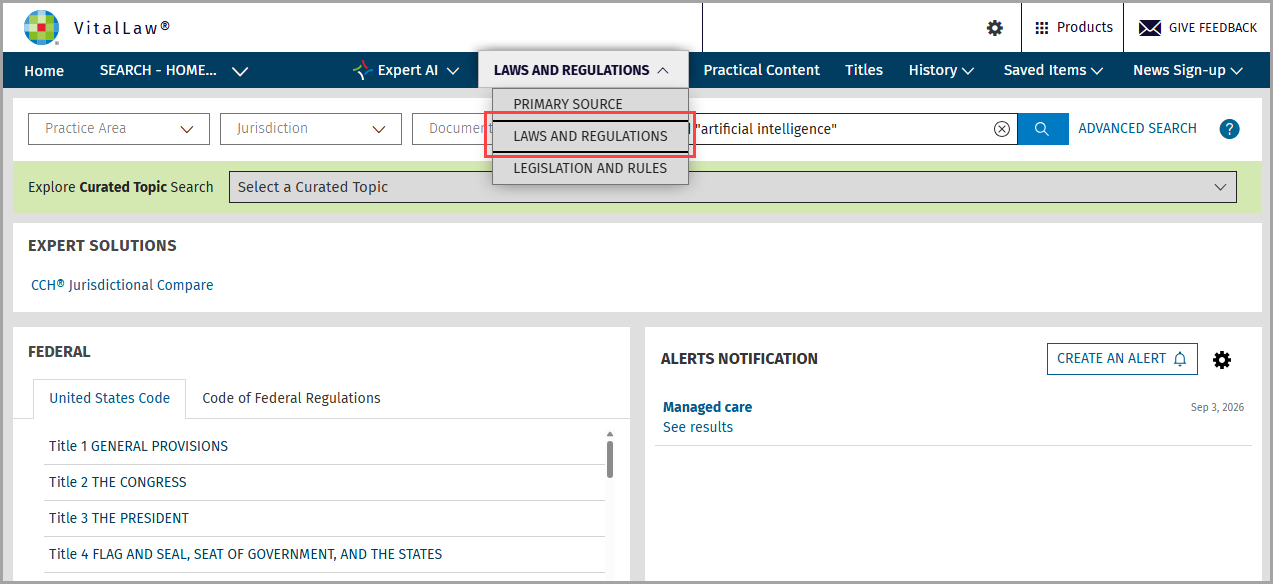
Conduct a search on the Laws & Regulations dashboard (part of the Primary Source tab).
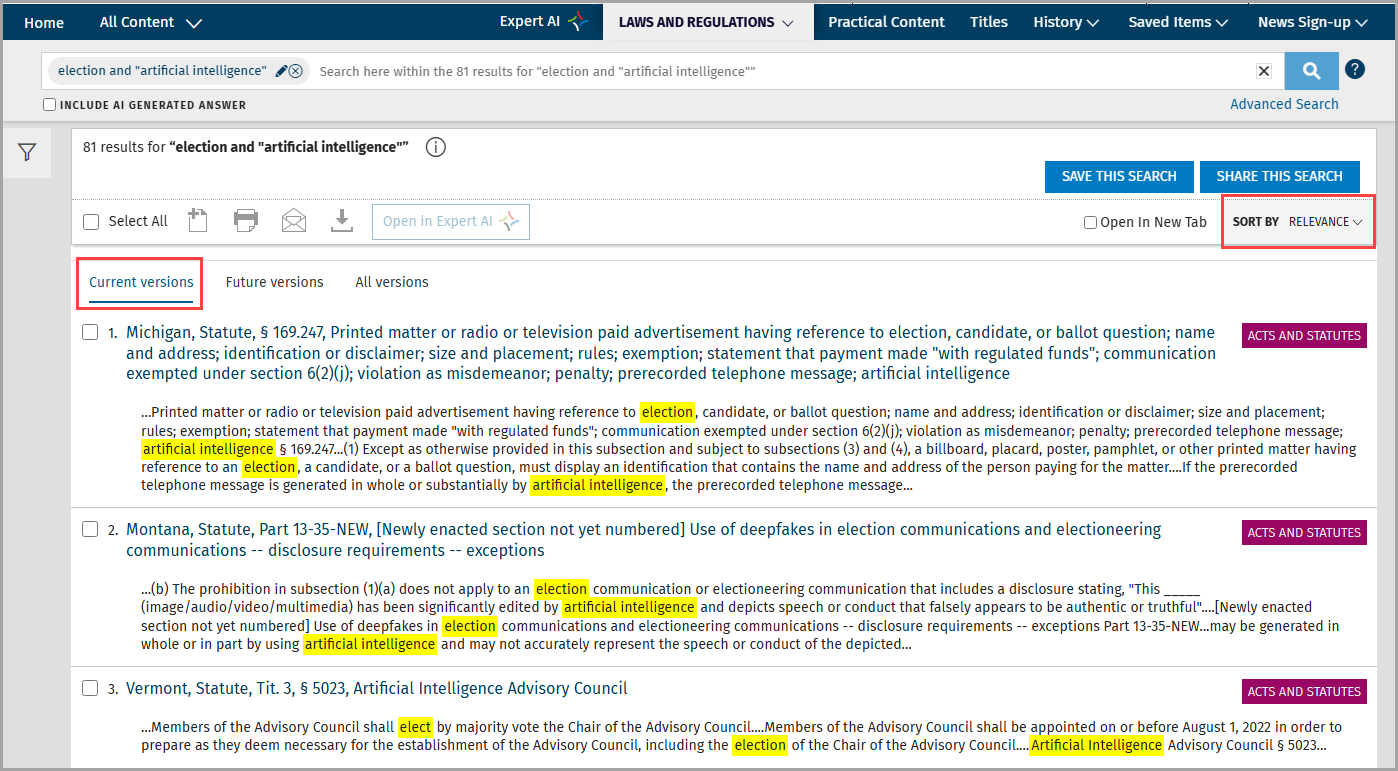
Version options appear along the top of the search results list.
Both Current versions and All versions are default sorted by Relevance.
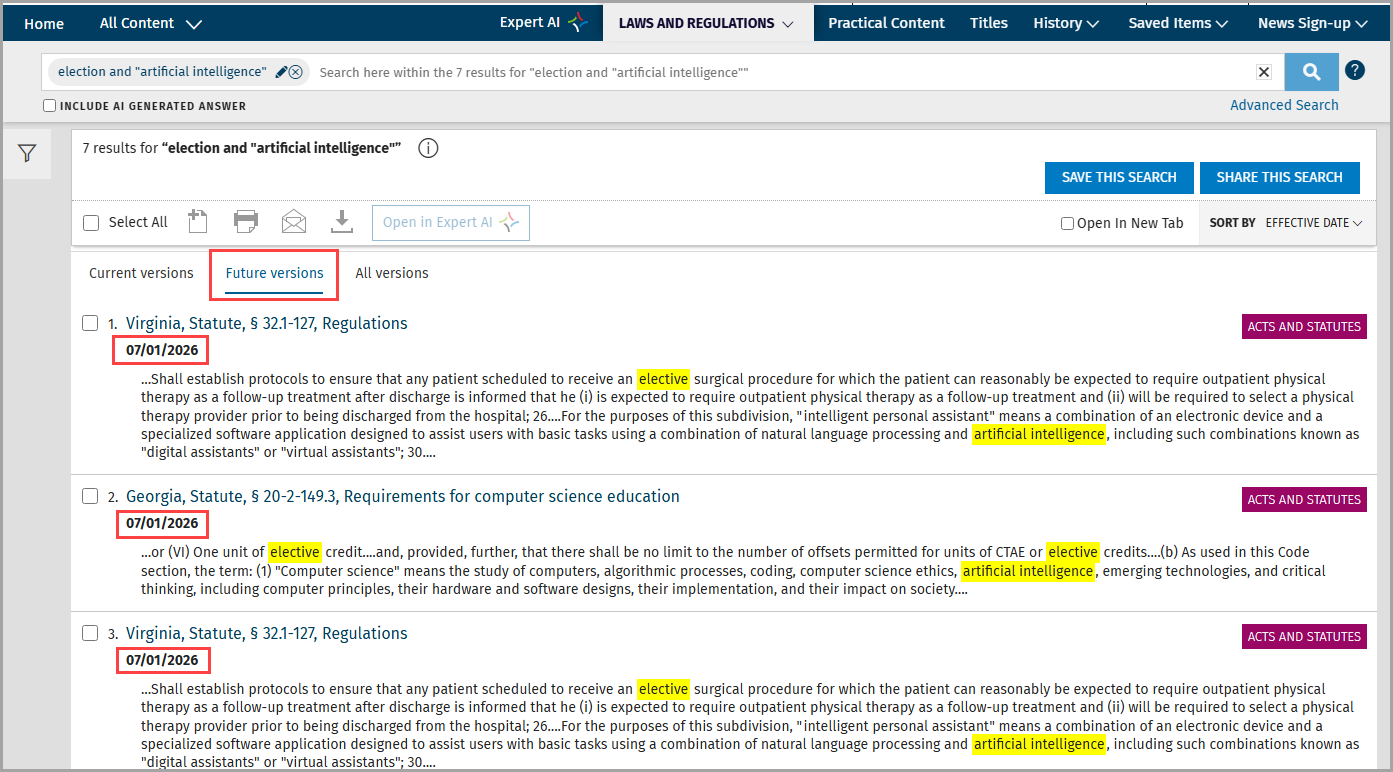
However, the Future versions view is default-sorted by Effective date and includes the effective date of the law or regulation in the results.
The All versions tab includes informational pills that allow you to see whether a statute or regulation is currently effective or effective in the future.