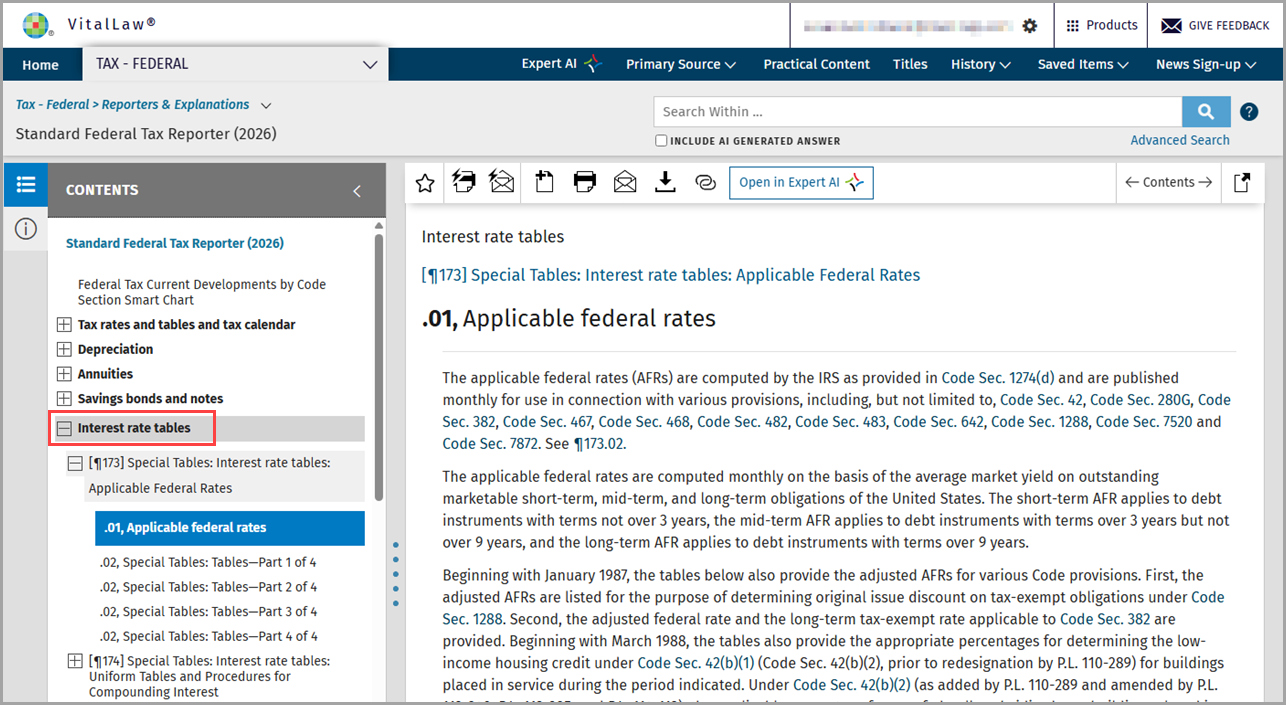
URLs can be created from any Practice Area dashboard at the title, chapter, and section level.
To create a shareable link:
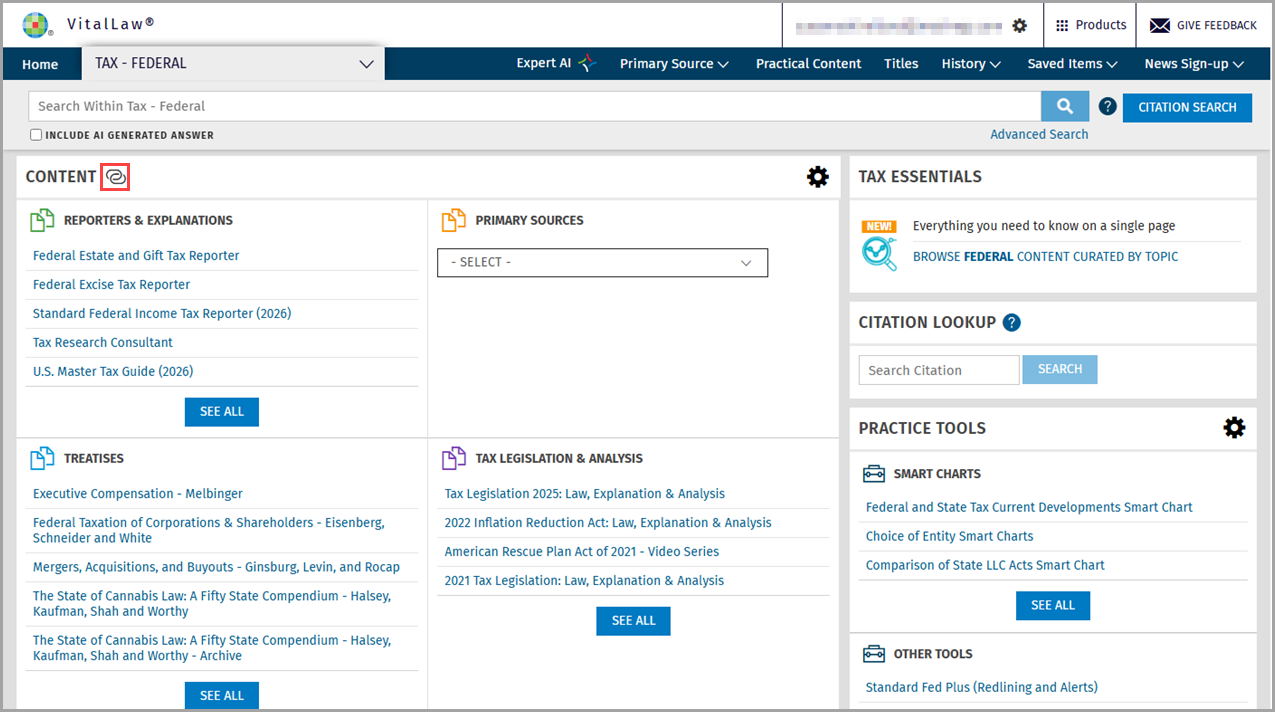
Select the Create a Link icon at the Practice Area dashboard.
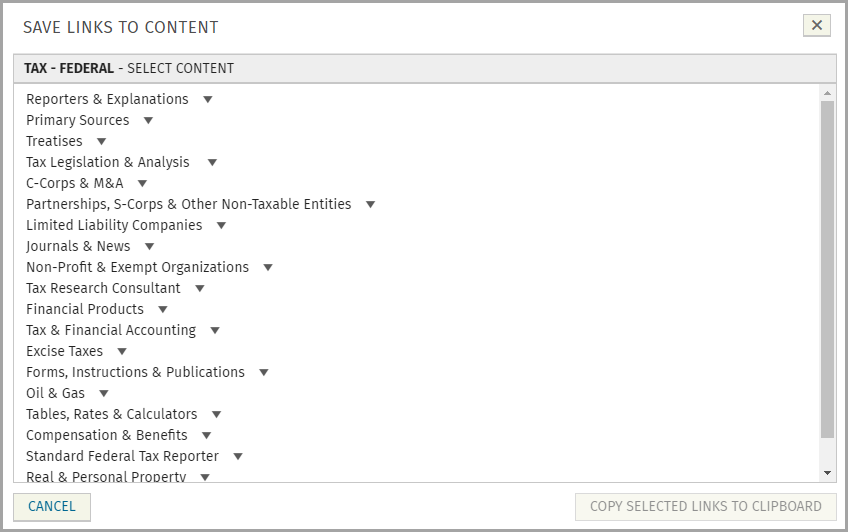
All available titles for a given dashboard are displayed.
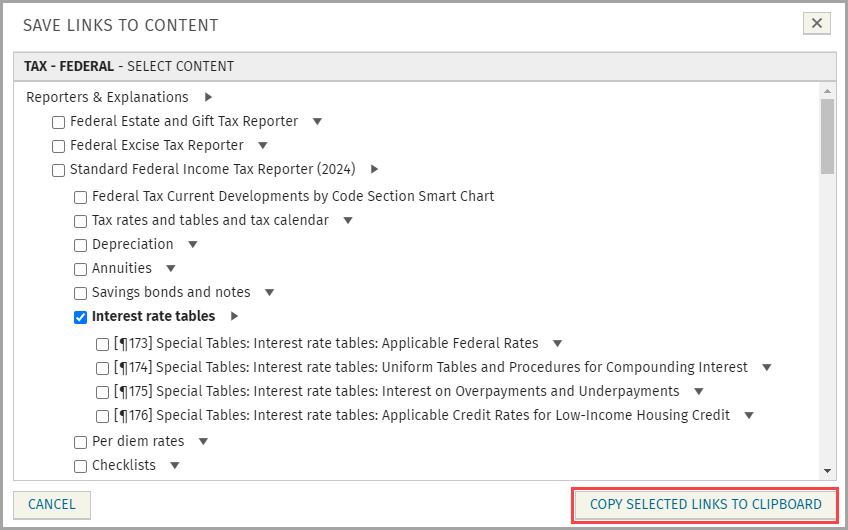
Expand titles to reveal chapters, sections or sub-sections and select those you wish to share. Click Copy Selected Links to Clipboard and paste in an email, document, text, etc.
When pasted, the title appears along with the URL.

Once logged in to VitalLaw®, the link directs the recipient to the exact location of the document(s).