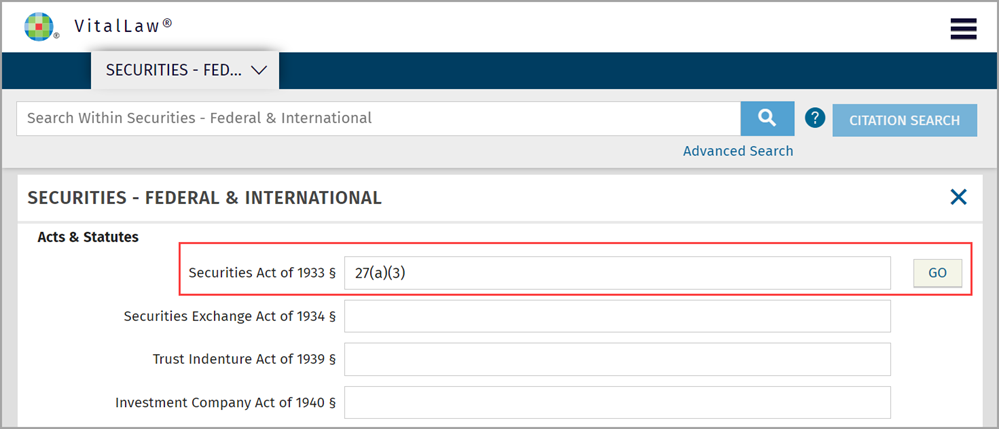
Citation Search can be performed using any of the following three options:
Global Search bar
Enter the citation in the global search bar just as you would a word search being sure to use both the alpha and numerical parts of the citation.

Citation Search button
Some Practice Areas also include a Citation Search button providing fields for each document type as well as an example of the citation format required.

Simply locate the appropriate field, type the citation in the format provided, and click GO.
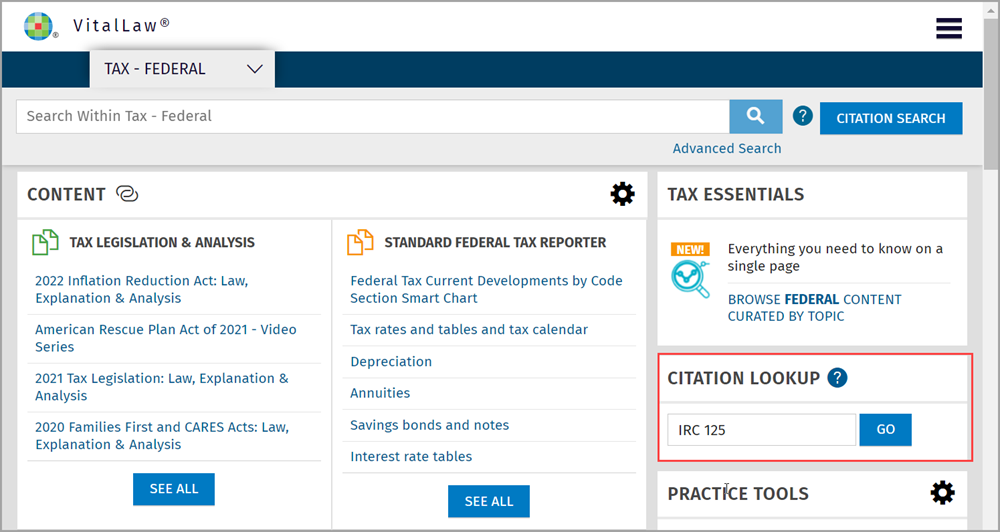
Citation Lookup for Federal Tax Citations
Enter the Federal Tax citation in the field provided being sure to use both the alpha and numerical parts of the citation. For help with Tax Citation formats, refer to Tax Citation Lookup.