

The News Sign-up option is at the far right on the command bar.
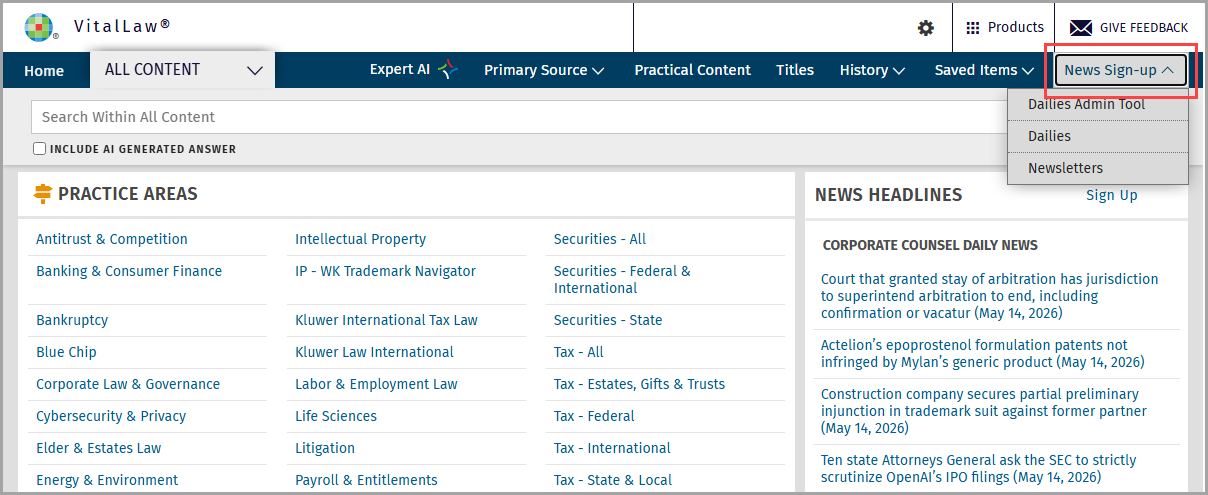
Here you can subscribe to Dailies and Newsletters.
Note: The Dailies Admin Tool will appear for Delegated Administrators and Site Contacts. For information on how to use this tool, see Dailies Admin Tool for Delegated Administrators
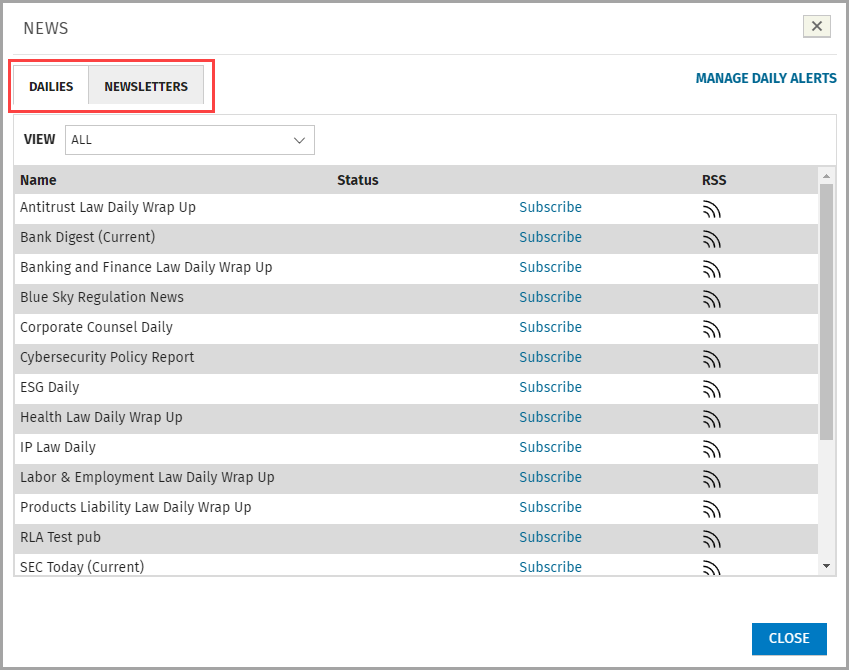
Dailies
To receive a daily email wrap-up on a topic of interest delivered at the close of the business day (as well as optional critical alerts as they occur during the day), click the Subscribe link.
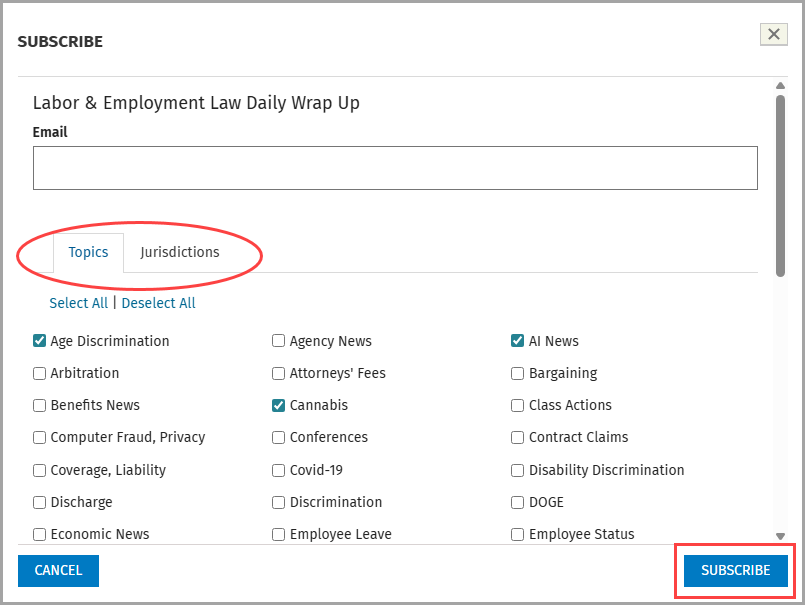
Next, if the Daily you've chosen provides customization options, choose your Topics and/or Jurisdictions and click the Subscribe button. Note: Not all Dailies have these options.
Newsletters
You can sign up to receive newsletters via email. You can also receive RSS feeds to any newsletter.
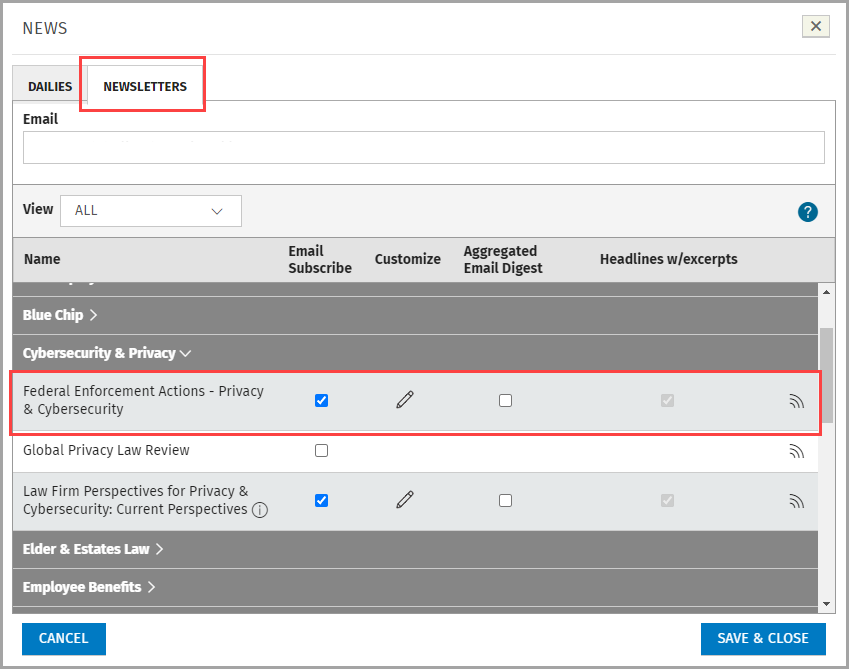
Check Email Subscribe to receive a newsletter via email.
Click the pencil icon if you want to Customize the content by adding search terms, applying the thesaurus, or changing the name.
Note: The Customize option does not apply to RSS.
Aggregated Email Digest: Select this box to consolidate titles into a single email digest.
Note: Email digests will only contain headlines with excerpts.
Click the RSS iconto access the RSS Feed URL for an item.